
Logbooks
An EASA-style pilot logbook filled in from your flights, and an aircraft log for hours, fuel and oil. Compare the flown track with the plan. Import and export CSV, Excel and ForeFlight.
Weather, airspace, charts, planning, briefing, the flight itself and the logbook — built around the data Nordic pilots actually use.
A view sets up the whole map for one question — VFR, IFR, METAR/TAF, icing, convection, turbulence and more. Pick one and the right layers, settings and basemap are in place.
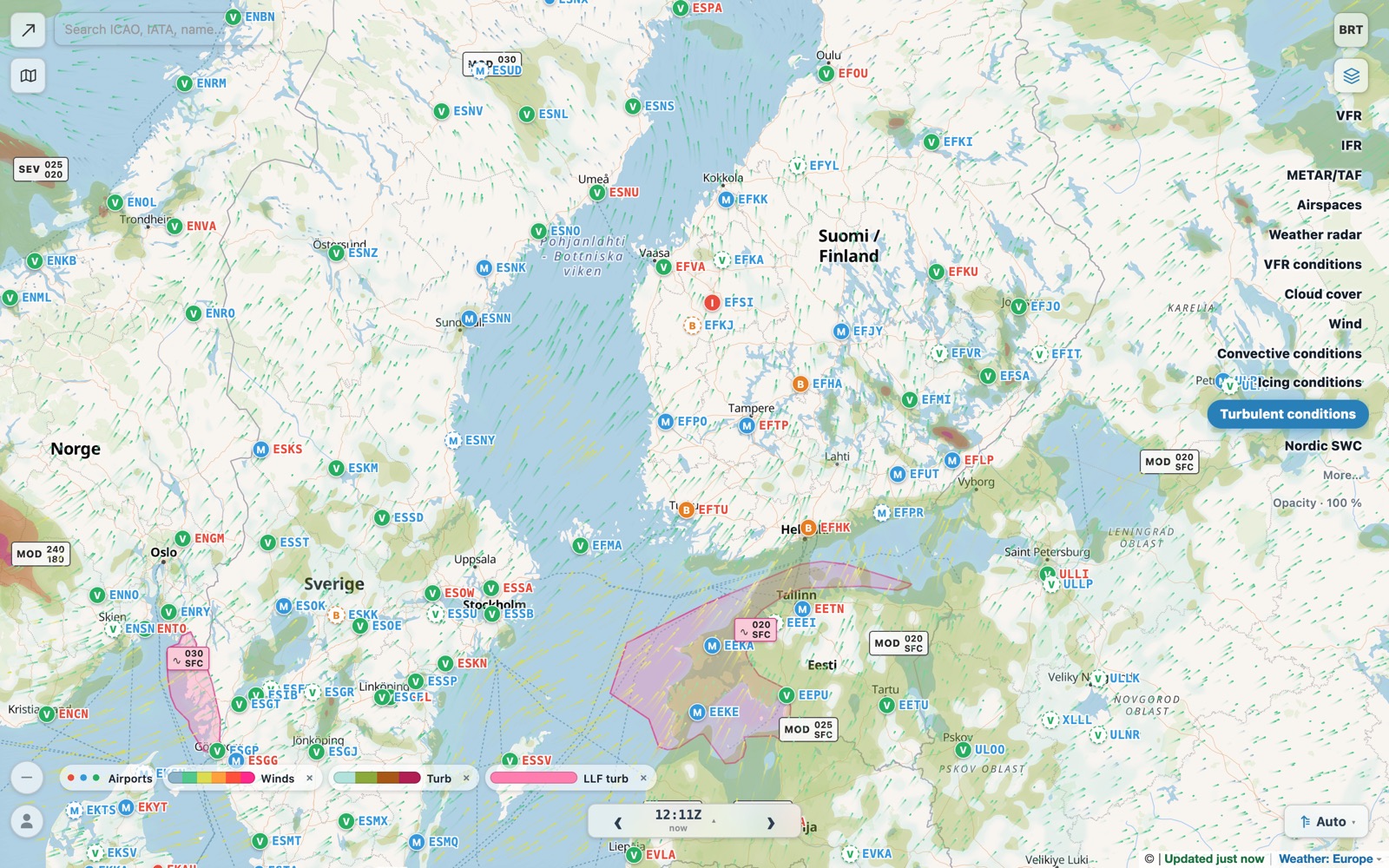
Clouds, wind, rain, icing, turbulence, CB/TCU, freezing level and ceiling all come from the same 7 km European forecast, refreshed every three hours — so the layers agree with each other.
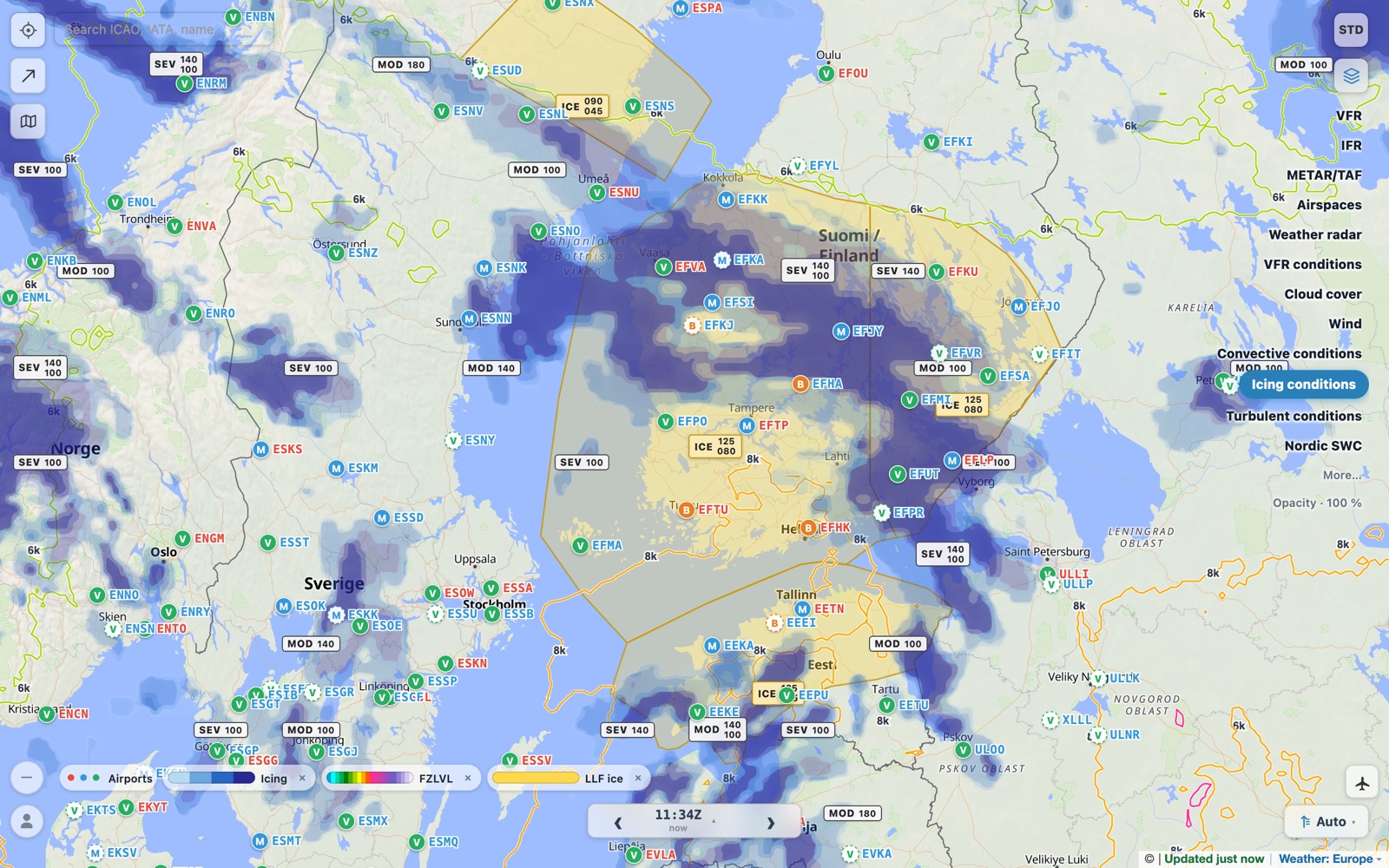
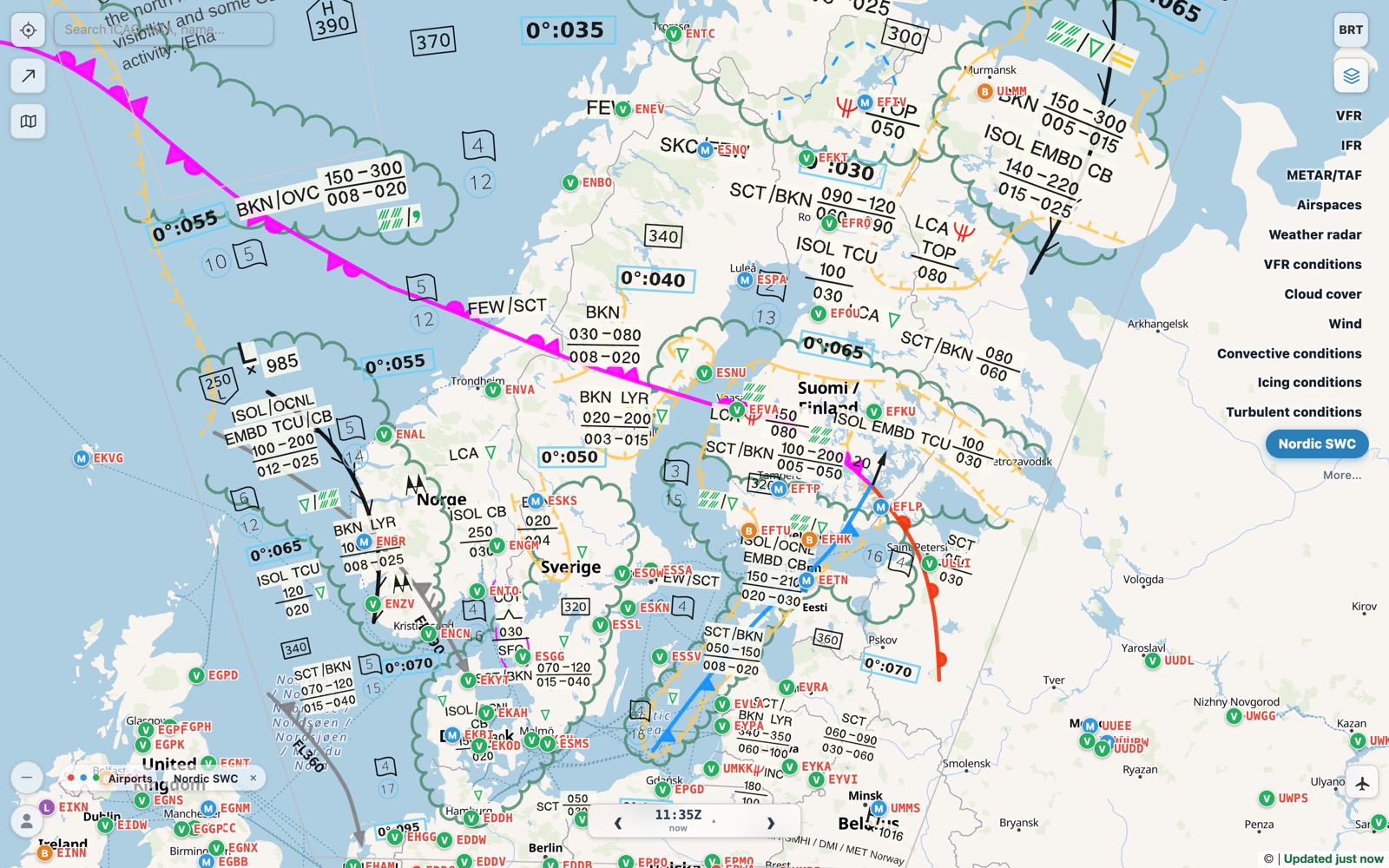
The forecasters' own products, drawn over the ground they describe — no more opening PDFs from four different weather services.
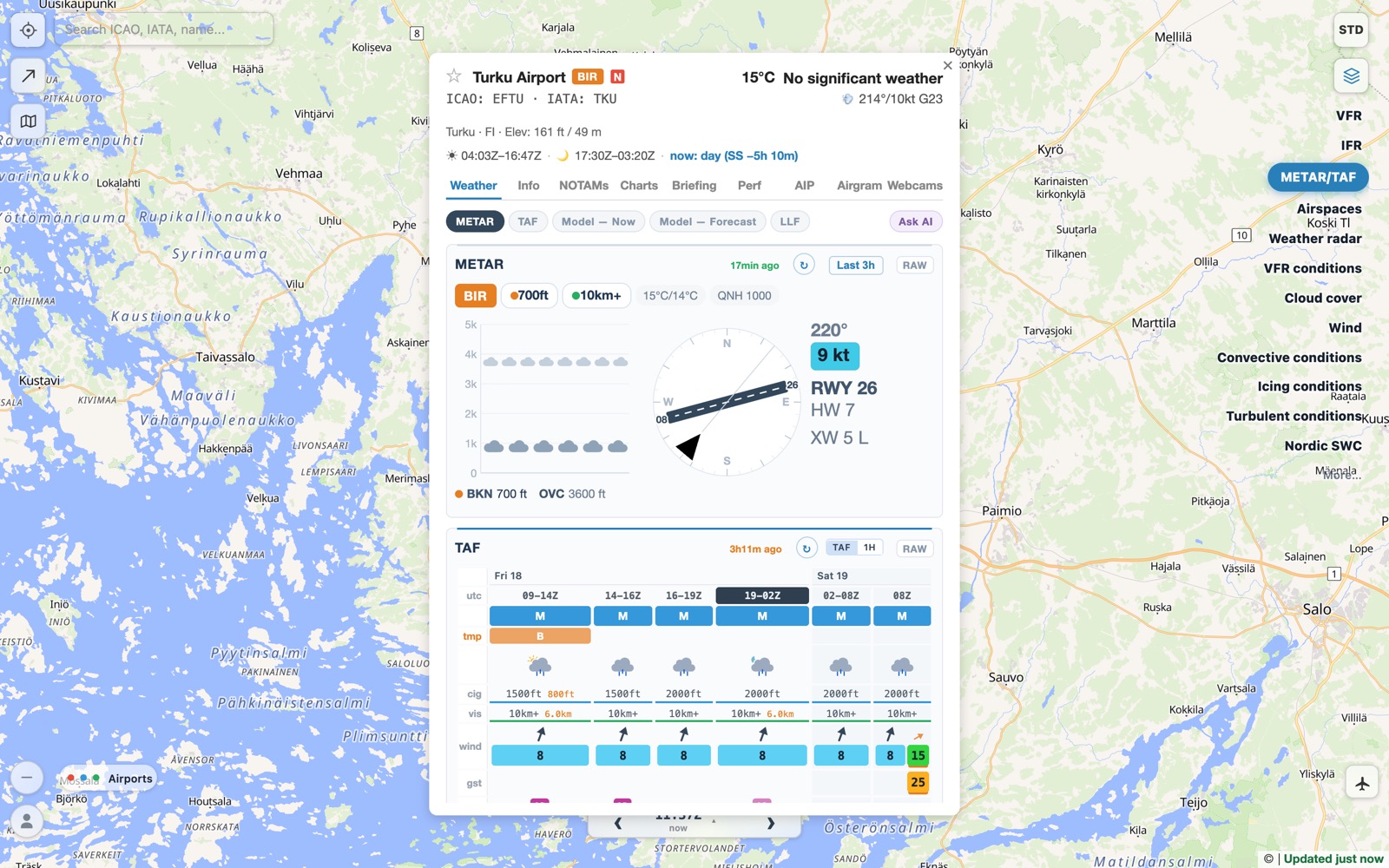
Click an airport for everything you need before you go there — over 22,000 airports worldwide, with the most detail in the Nordic and Baltic countries.
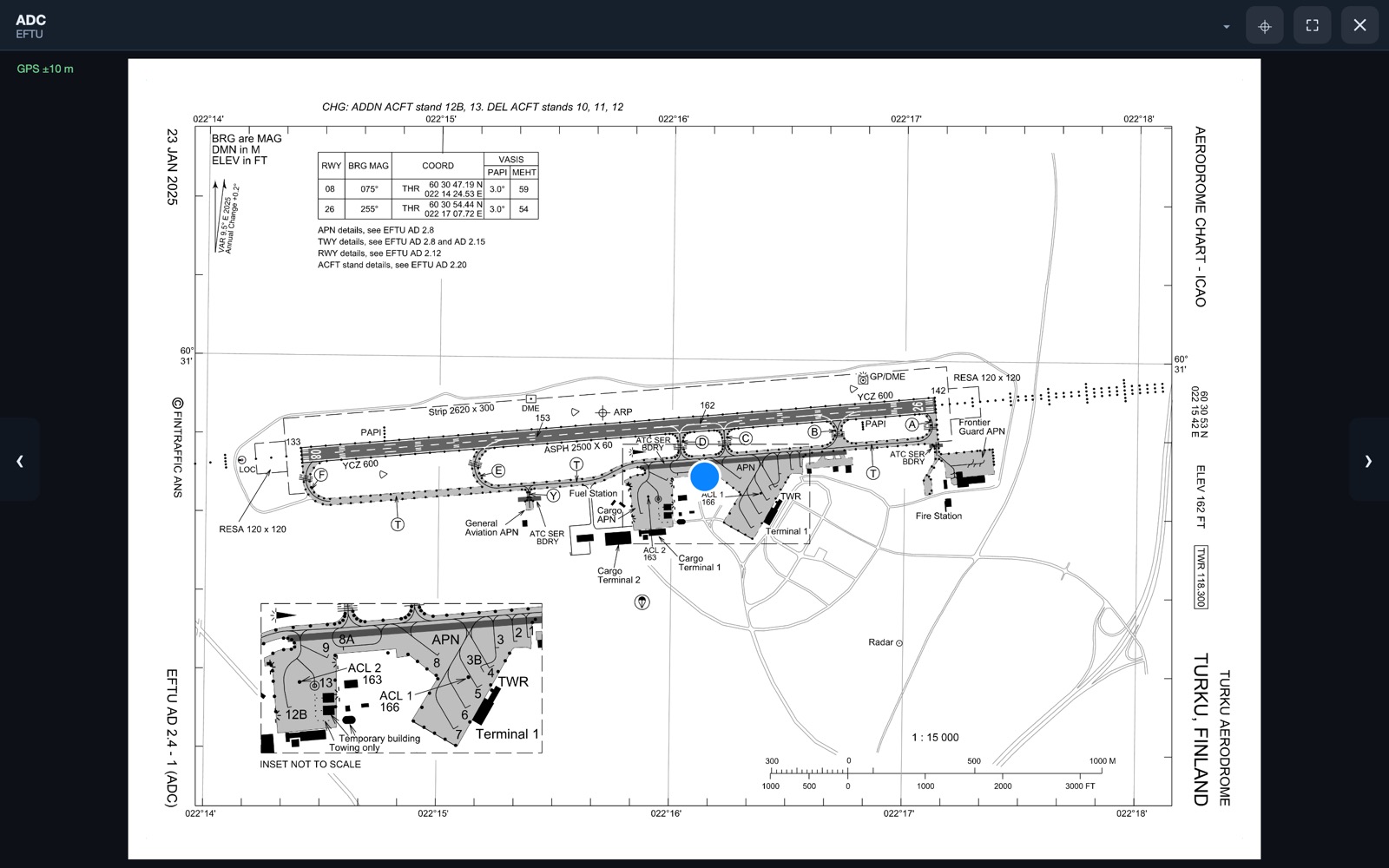
Charts open inside the app, and on many of them your own position is drawn on the page — useful when taxiing at an unfamiliar field.
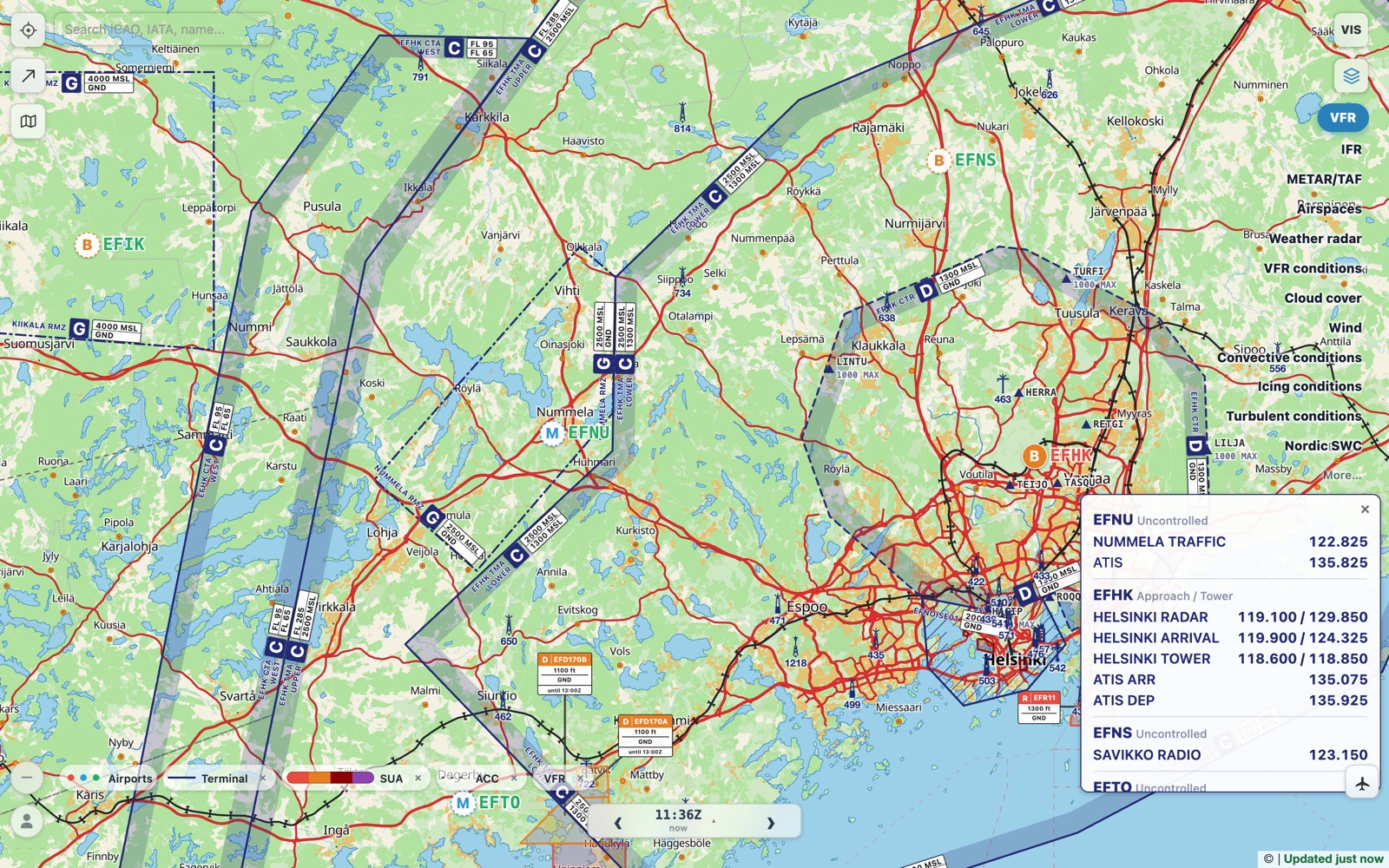
Controlled airspace with its class, limits and frequency, and special use areas that show whether they are active now or later today.
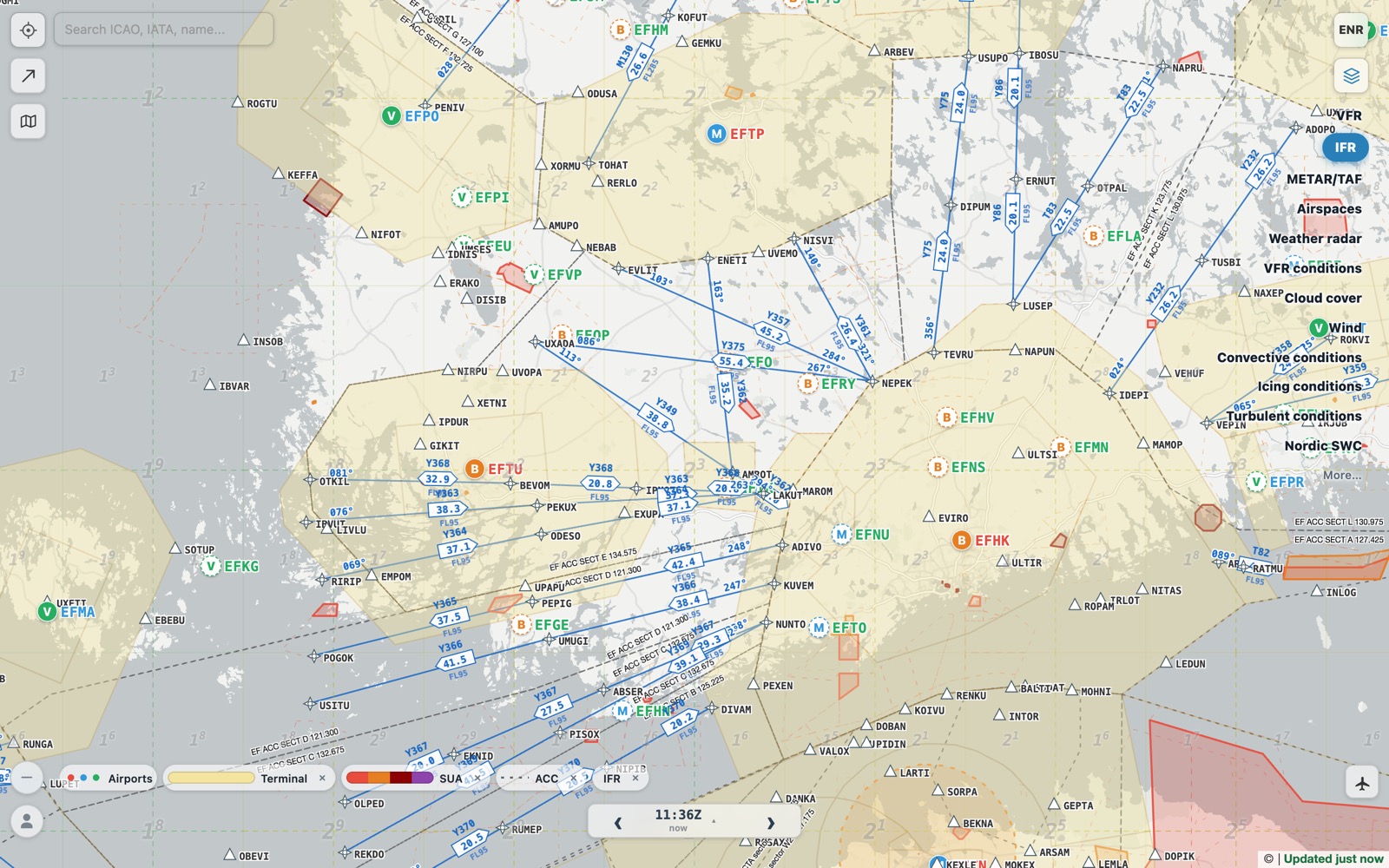
Switch the map to an enroute chart with one tap.
Tap a route on the map or type it — EFNU DCT EFMA — and turn it into a flight plan with one or more legs.
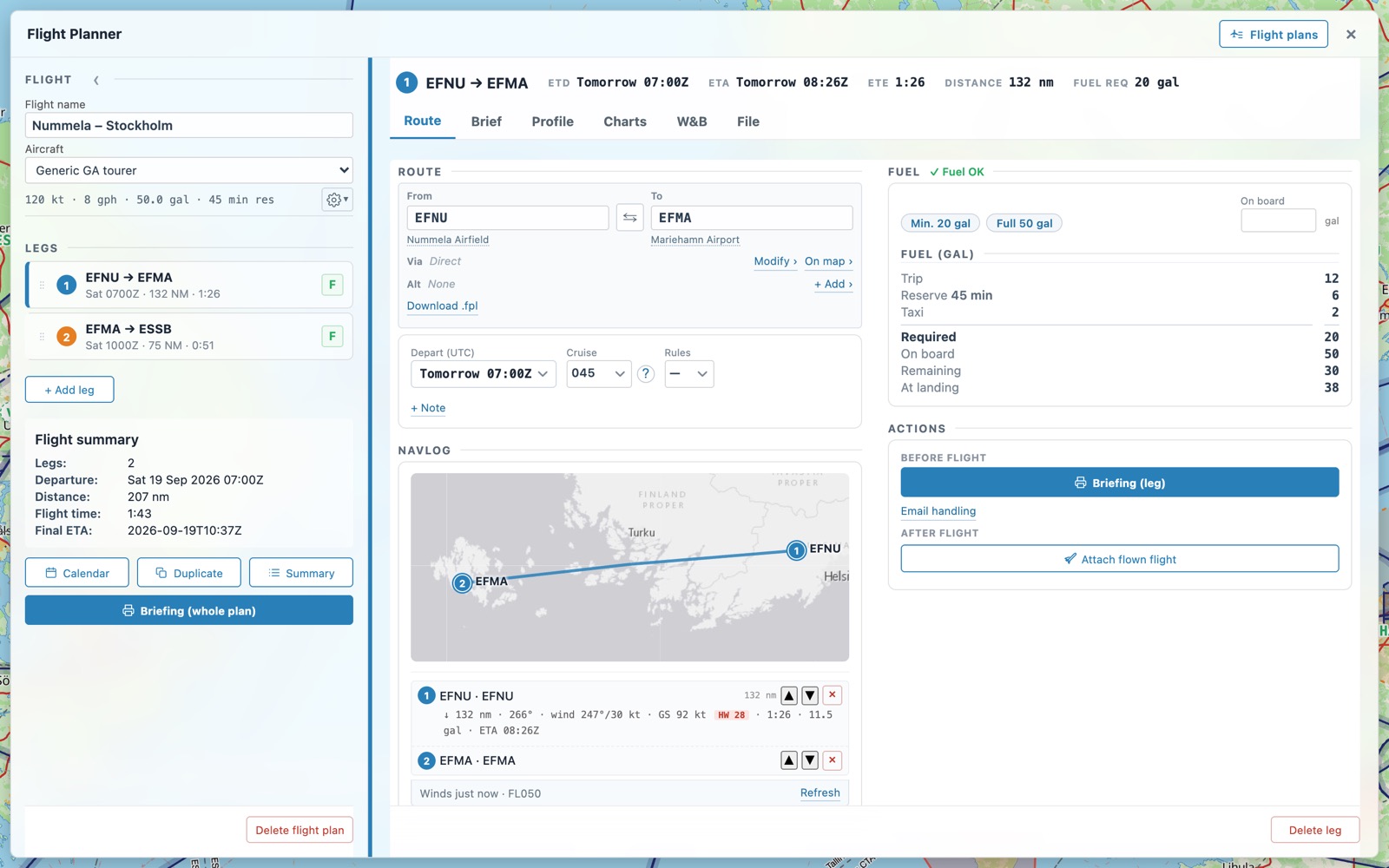
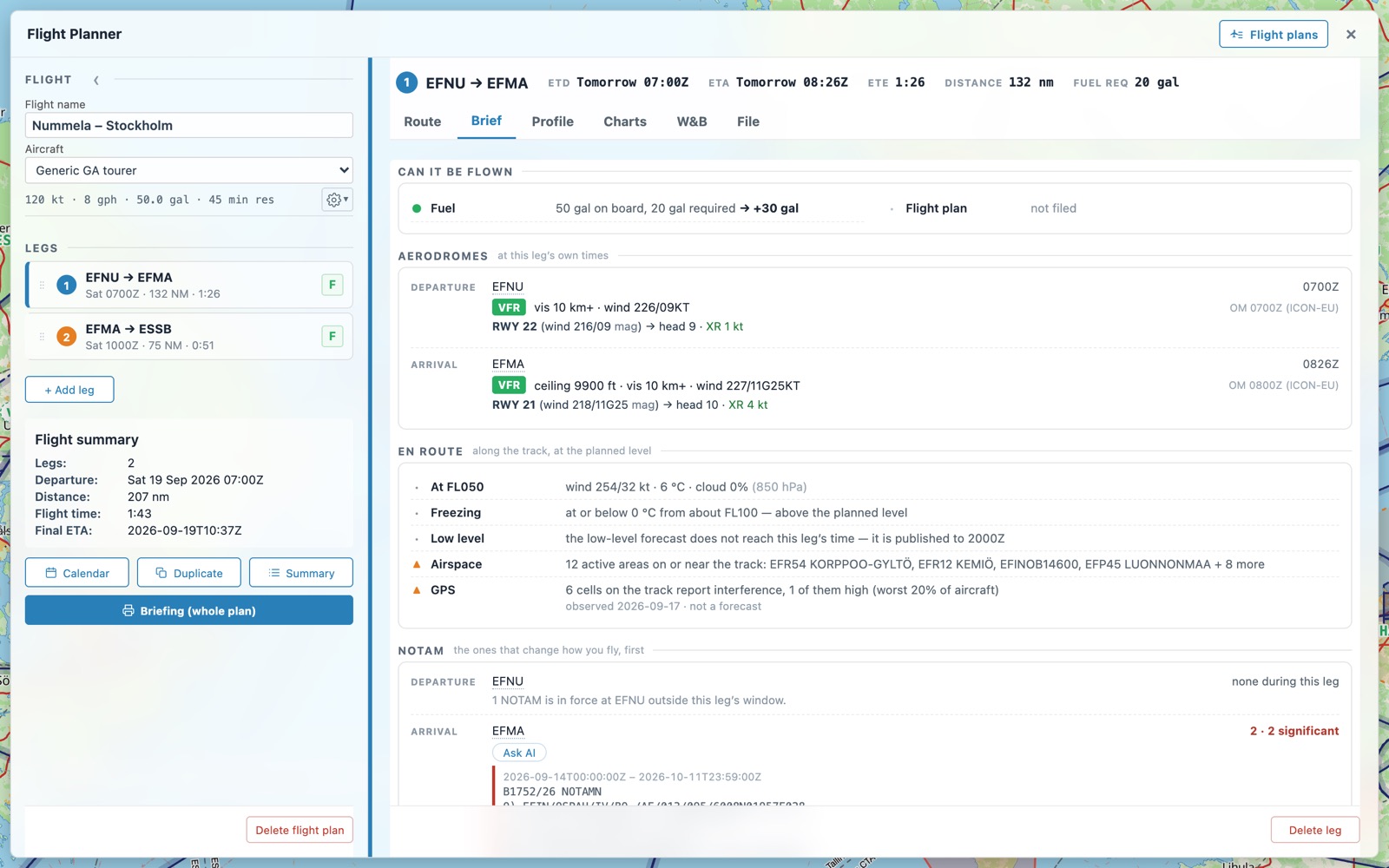
Every leg is briefed at the time you fly it, not at the moment you look. The brief starts with the answer: can it be flown?
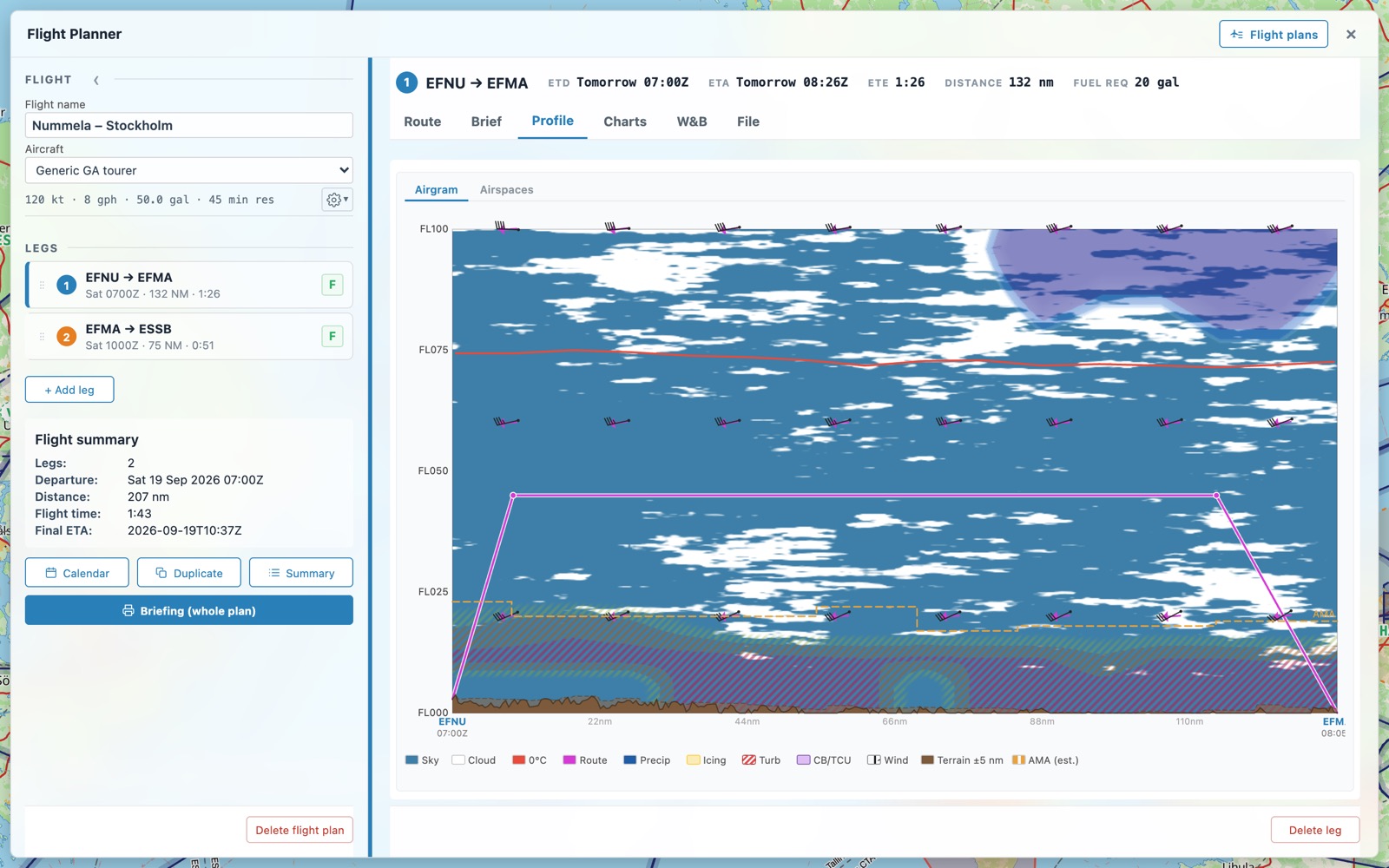
A vertical cross-section from departure to destination: clouds, icing, turbulence, wind and the freezing level, with the terrain and airspace below you.
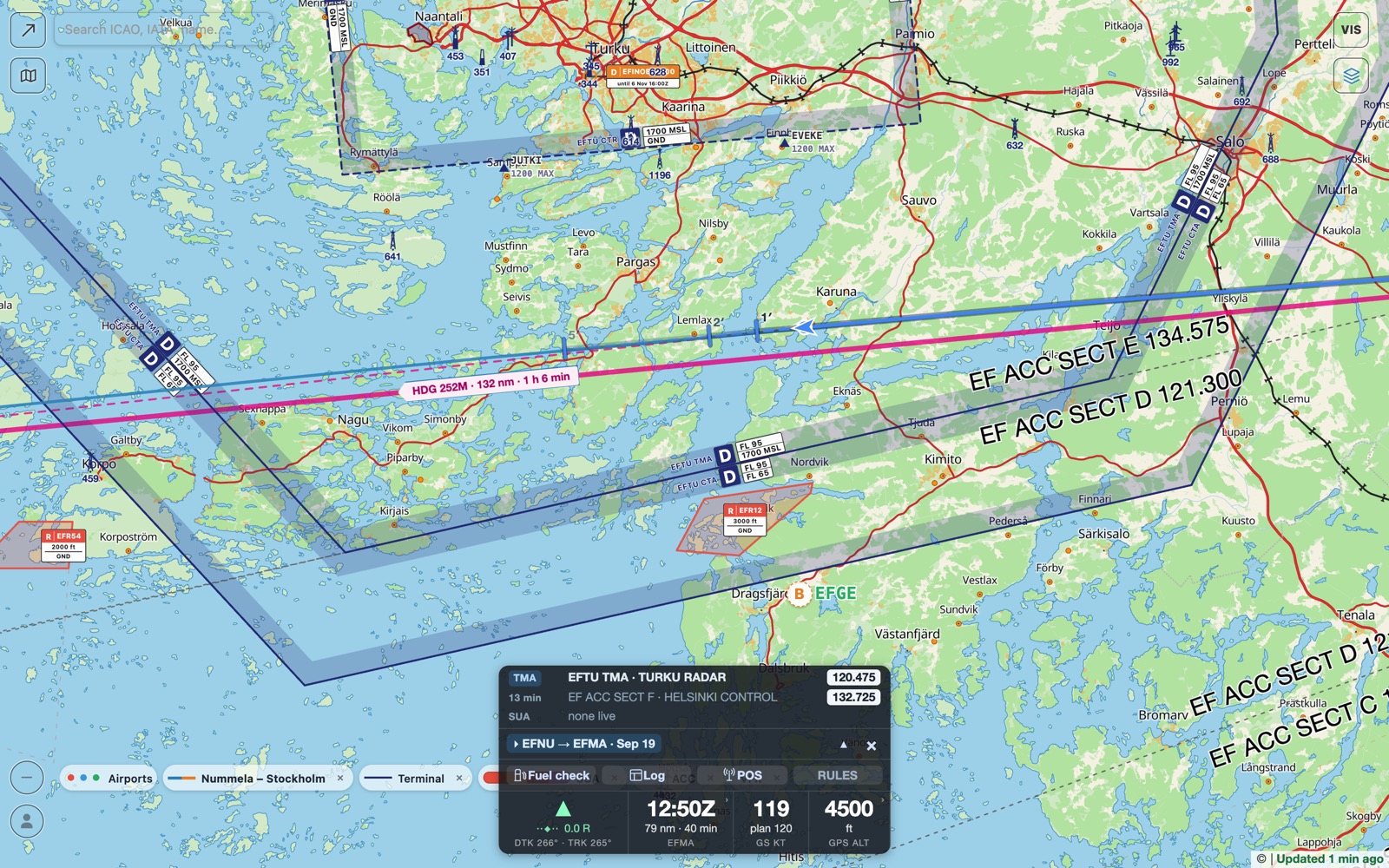
Take the app to the cockpit. The map follows you, and the screen stays calm.
An EASA-style pilot logbook filled in from your flights, and an aircraft log for hours, fuel and oil. Compare the flown track with the plan. Import and export CSV, Excel and ForeFlight.
Install the app to your home screen and it opens without a network. Upcoming flights are packed automatically, and whole countries can be downloaded in advance.
Phone, tablet or desktop. Sign in with Google or an email link and your flights, aircraft, views and settings follow you.